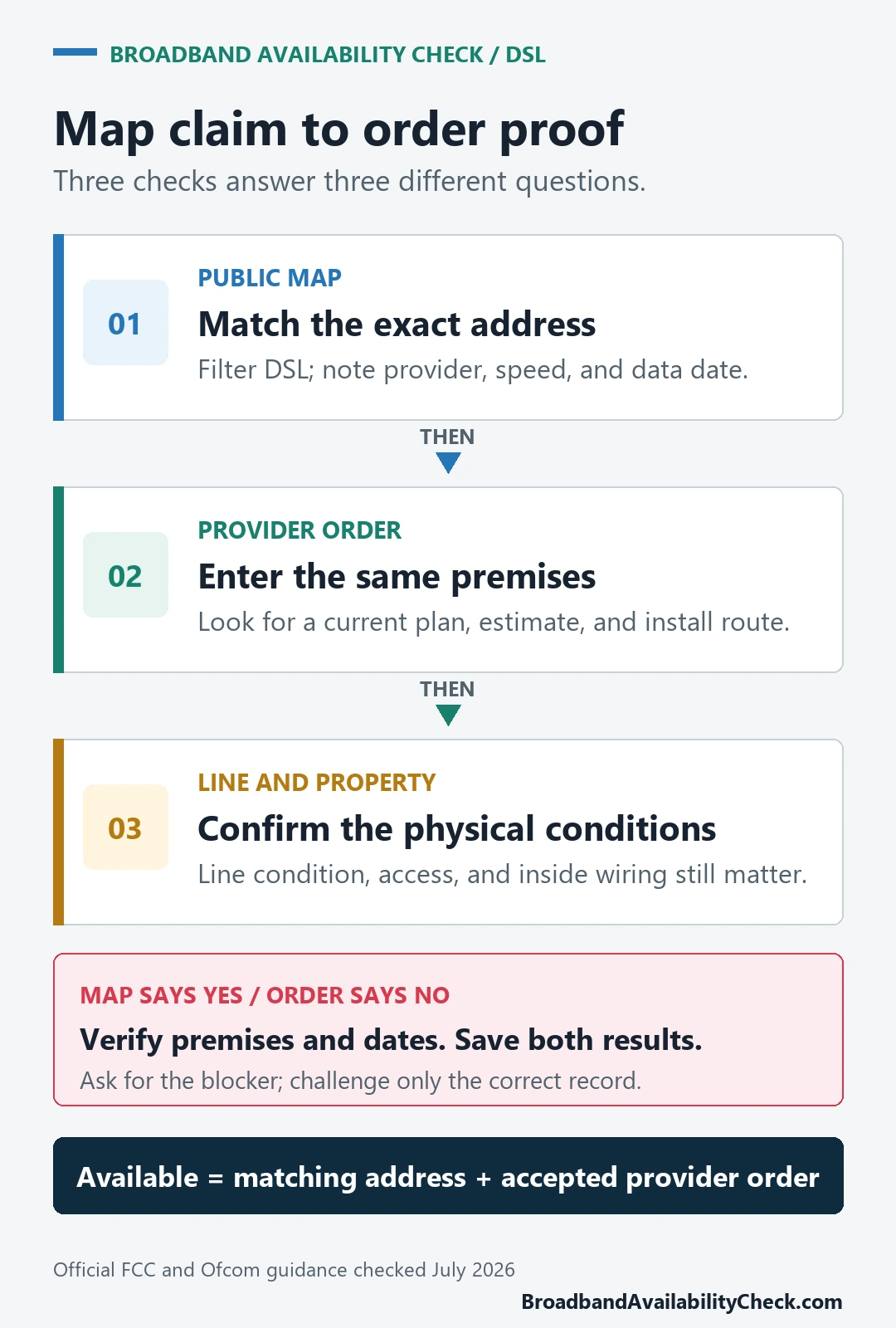
To check DSL availability, enter the full street address and unit in an official fixed-broadband map, filter for DSL or copper service, note the provider and data date, and then enter the same address in that provider’s order system. Treat DSL as orderable only when the provider accepts the premises and shows a current plan or installation path.
A map result is a useful lead, not a promise that a line can be activated today. The address point, technology, provider report, current sales system, and property access all need to describe the same premises.
What a DSL availability result actually proves
Keep each result in its lane. In the United States, the FCC says its fixed map shows provider-reported availability, technology, and maximum advertised speeds at a location. It does not show network performance, price, or whether an installation appointment is available now.
| Evidence | What it can confirm | What still needs checking |
|---|---|---|
| Official broadband map | Selected location, reported provider, technology, advertised speed, and data date | Whether the provider will accept an order now |
| Provider order checker | Current product and ordering path for the entered premises | Final installation work, access, and activation date |
| Completed installation | A working service at that address | Real speed and stability on the property’s line and internal network |
Check a U.S. address on the FCC map
- Open the FCC National Broadband Map instructions and use the map’s address search.
- Select the location point for the correct building. For an apartment, keep the unit information with your private notes even if the map groups the building under one point.
- Stay on the fixed-broadband view and filter the technology to DSL. The FCC notes that services below 25 Mbps are not visible on the default map, so adjust the speed filter when looking for slower copper service.
- Record the provider, technology, maximum advertised speeds, and the map’s data-as-of date.
- Open the named provider’s order page and enter the same service address. Do not substitute a ZIP code or a nearby house.
The FCC’s map data explanation says fixed availability is submitted by internet providers through the Broadband Data Collection. That is why the reporting date and a current provider order check belong beside the map result.
Use the right checker outside the United States
| Country | Official starting point | How to read it |
|---|---|---|
| United Kingdom | Ofcom broadband checker | Enter the postcode and address, then treat shown speeds as predictions and verify the network or retail provider. |
| Australia | nbn Check your address | Check the premises technology and readiness, then choose a retail provider and confirm its order and installation terms. |
| Canada | ISED National Broadband Map | Use the detailed road layer as an area-level indication and contact the provider for the exact property. |
Ofcom’s checker guidance says a missing prediction does not necessarily mean broadband is unavailable and recommends checking network websites. Canada’s map documentation explains that its detailed road coverage is still an approximation, generally based on segments of about 250 metres rather than a guarantee for every household.
Confirm the provider can place an order
Use the address exactly as the provider recognizes it. If the unit is missing, the building pin is wrong, or the provider substitutes another property, stop and correct the premises before comparing plans.
- Does the result identify DSL or copper service, rather than cable, fiber, fixed wireless, or satellite?
- Is there a plan that can be ordered now, with an estimated speed range or minimum commitment where offered?
- Will the order require a new line, engineer visit, equipment, landlord permission, or access to a shared building area?
- What are the earliest activation date, one-time charges, contract term, and cancellation conditions?
If the provider does not sell DSL at the address, ask whether the blocker is the address record, a retired copper product, current line capacity, property access, or required construction. Record the answer instead of assuming the public map is wrong.
Why the same DSL plan performs differently by address
DSL runs over a physical copper path, so two nearby properties can receive different estimates or performance. Ofcom identifies the length, age, and repair condition of the line, as well as the in-building network and number of connected devices, as factors that can affect received speed.
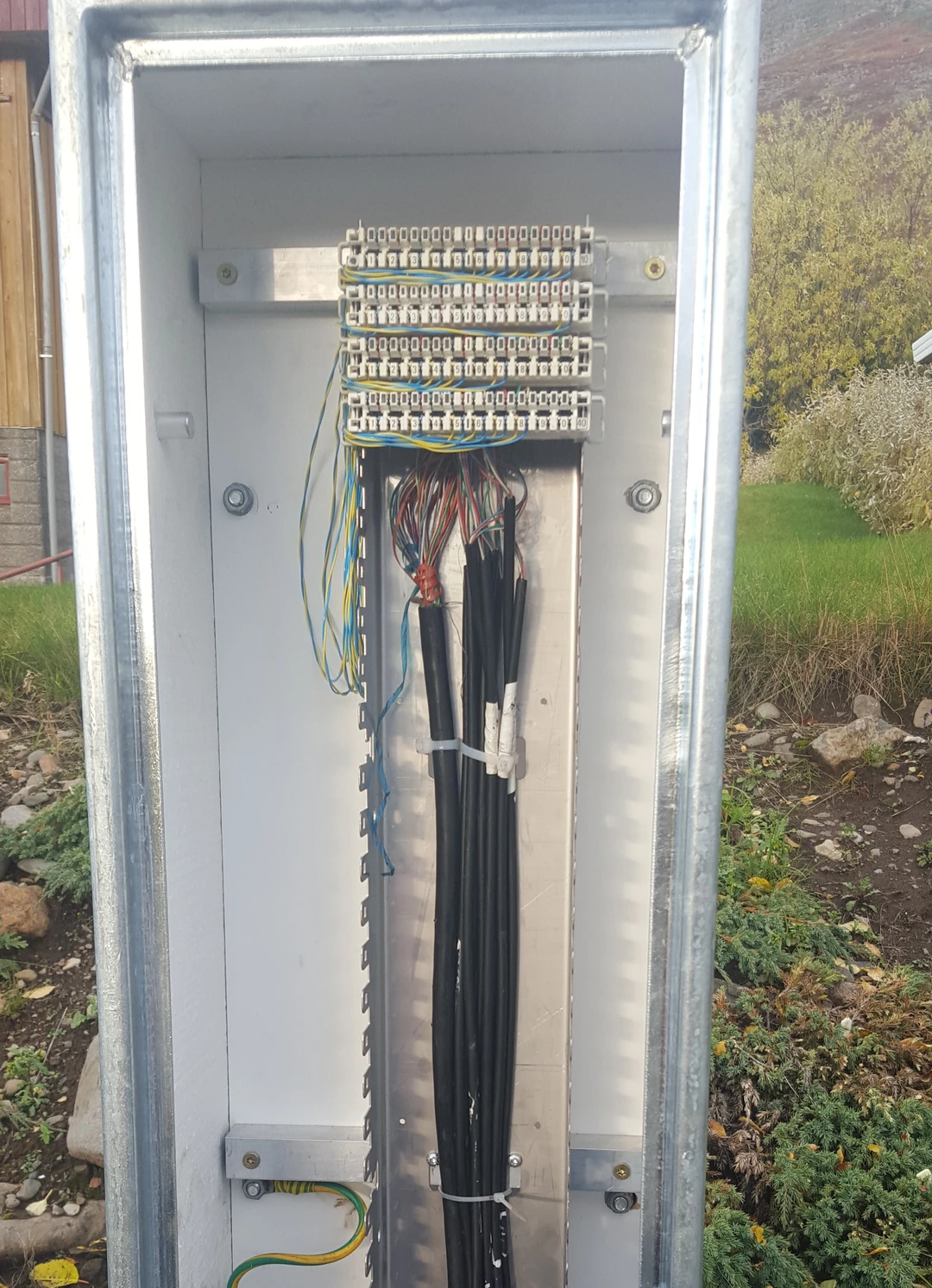

A public checker cannot inspect the condition of the line inside the property. Ask the provider for the address-specific estimate it uses at sale, and keep that estimate with the order confirmation. After activation, test over Ethernet before blaming the outside line for a Wi-Fi-only problem.
When the map and order screen disagree
- Wrong premises: reselect the building point and verify the unit or service-address format.
- Different dates: compare the map’s reporting period with the provider’s current order response.
- Network versus seller: a network shown in a public checker may supply service through retail providers rather than selling directly.
- Operational block: the provider may need property access, line work, equipment, or an updated address record before accepting the order.
For a U.S. address, use the FCC’s availability challenge instructions only after confirming that the selected location and provider report are the ones you mean to dispute. Use a location challenge instead when the building point or address record itself is wrong.
What to save before reporting a mismatch
- The selected address or location point, kept privately
- The fixed-service and DSL filters you used
- The map data date, provider, technology, and advertised speed
- The provider’s order result, date, and any case or reference number
- Any stated reason that installation cannot proceed
Do not publish a screenshot containing your full home address, account number, or order reference. Keep the complete evidence privately and redact personal details from anything you share.
DSL availability questions
Is a ZIP code or postcode enough?
No. It can identify the general area, but the final check needs the exact building and unit because service records and physical line paths are premises-specific.
Why does the map show DSL when the provider offers only fiber?
The map and sales system may use different reporting dates, or the provider may no longer sell the older product. Compare dates and order the technology the provider can actually install if it meets your needs.
Can a speed test prove DSL is available?
No. A speed test measures an active connection. Availability is established by an accepted order and installation path for the exact service address.
Compare another connection type
If DSL cannot be ordered or the estimate is too low, compare fiber availability, fixed wireless availability, and Starlink availability. For the broader address workflow, use Internet Availability by Address.
Sources checked July 22, 2026: FCC Broadband Data Collection Help Center, Ofcom broadband checker guidance, nbn address-check guidance, and Innovation, Science and Economic Development Canada’s National Broadband Map documentation.